

Patrick McDonald: Software Engineer, Amateur Writer, AI Wrangler. What? The last part is increasingly true. At my day job, I use GitHub Copilot to automate the grunt work (generating boilerplate code, stubbing out REST APIs, and writing unit tests). My writing assistant is ChatGPT, and I wrestle with Imagen3 and DALL-E to create the art assets for my posts. I’m probably nearly a professional at getting an AI system to spit out what I want, and I’m entirely self-taught. Prompting for image generators can be tricky if you’re trying to create something with a description more complicated than a single paragraph. However, one of Google’s newest AI experiments has changed everything. Let me introduce you to Whisk.
What Is Whisk?
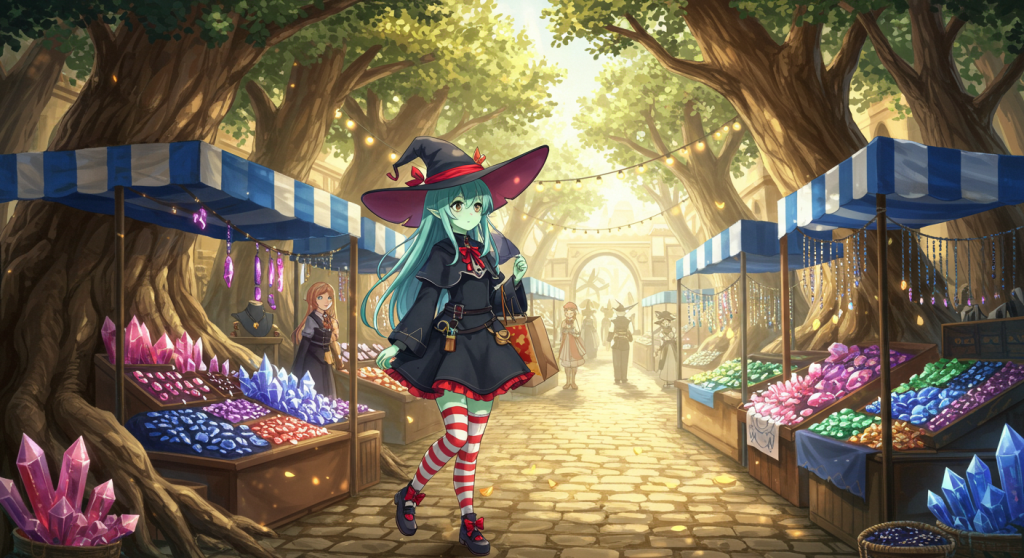
By the time this review reaches you, plenty of ink will likely have been spilled describing Whisk and what it does, but I will spill some more anyway. Whisk is an AI experiment that allows you to input your prompt as a set of images, subjects, a scene, and a style. You can enter a short bit of text if you need to describe the characters’ actions. Furthermore, you can refine the scene using traditional prompts if the initial results aren’t to your liking.
My First Impression
I started using Whisk for my projects with the Dramatic Persona of SLiberberg to generate the image of Fredrick and Aoibheann sitting on their thrones. I’ve since used Whisk in every post I’ve made, and I think the results speak for themselves. Sure, it took me a while to get the prompting right for attempts to combine multiple subjects into one picture, but the results have been outstanding. Along the way, I also discovered that Whisk offers some other incredibly useful features beyond just generating scenes from images.
Whisk’s Superpowers
It’s not immediately obvious, but Whisk analyzes images and turns them into text prompts. Once uploaded, these prompts can be accessed via a hidden button on the bottom left of the scene and by style or subject boxes. The analysis can be hit-or-miss depending on the quality and style of the image, but I find it works very well for images from other generators or ones I grabbed off the internet. The real magic, though, is that you can edit the prompt for every uploaded style, scene, and subject, generate a new image to use as a prompt and download the resulting image. This capability opens up a world of creative possibilities.
Character Creation and Refinement
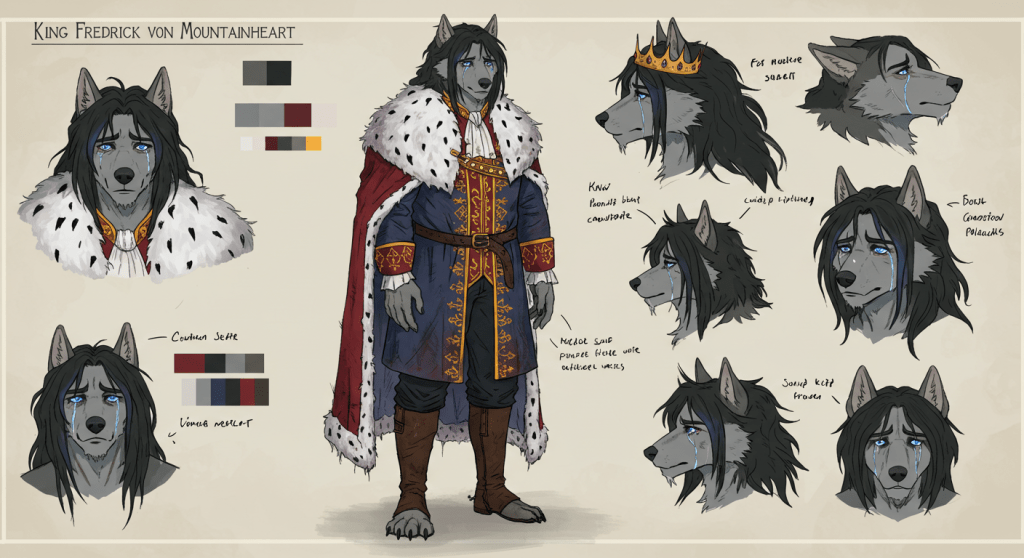
For instance, I struggled to create alternative character sheets for things like outfits or stages of life. Take this image of Fredrick Von Mountainheart that I generated using DALL-E in ChatGPT.
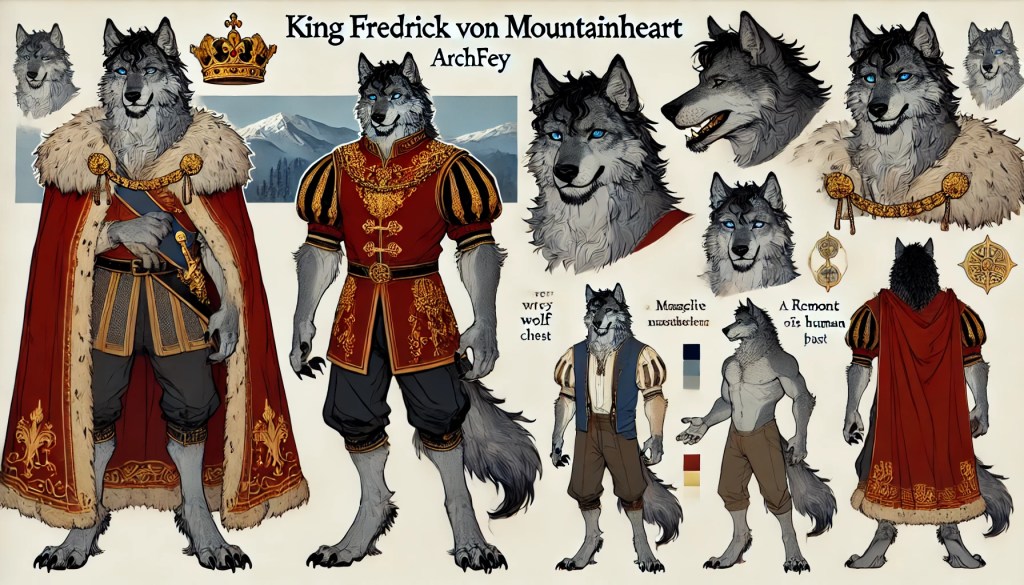
It is alright, although the hair did not come out quite right, I put it into Whisk and started editing the prompts to create an improved version of the character:
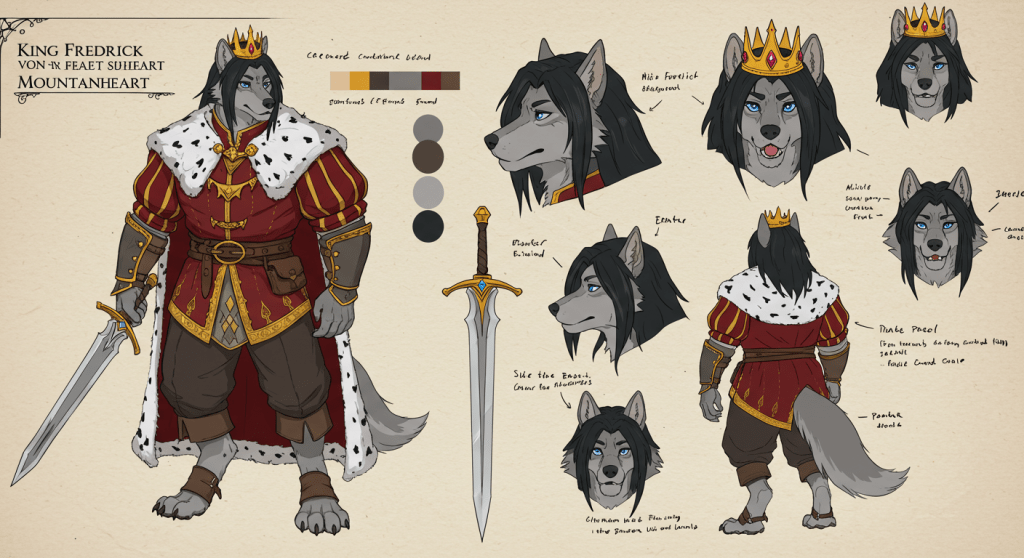
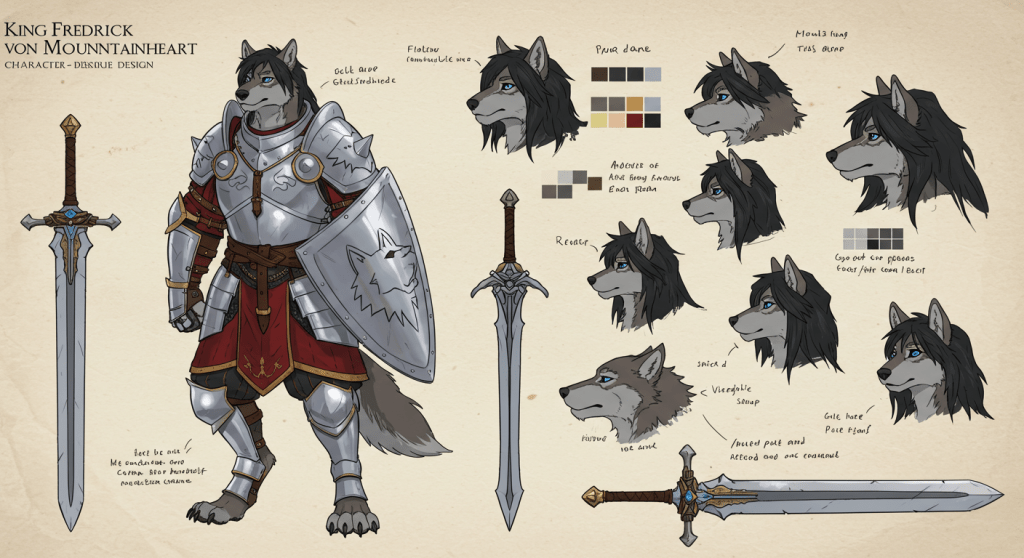
Now that looks much better. With this version I started to generate alternative outfits

Scene Editing and Integration
Even more impressively, Whisk allows you to lift elements from one picture and insert them into another. For example, remember this picture of the Silver Moon Bakery?
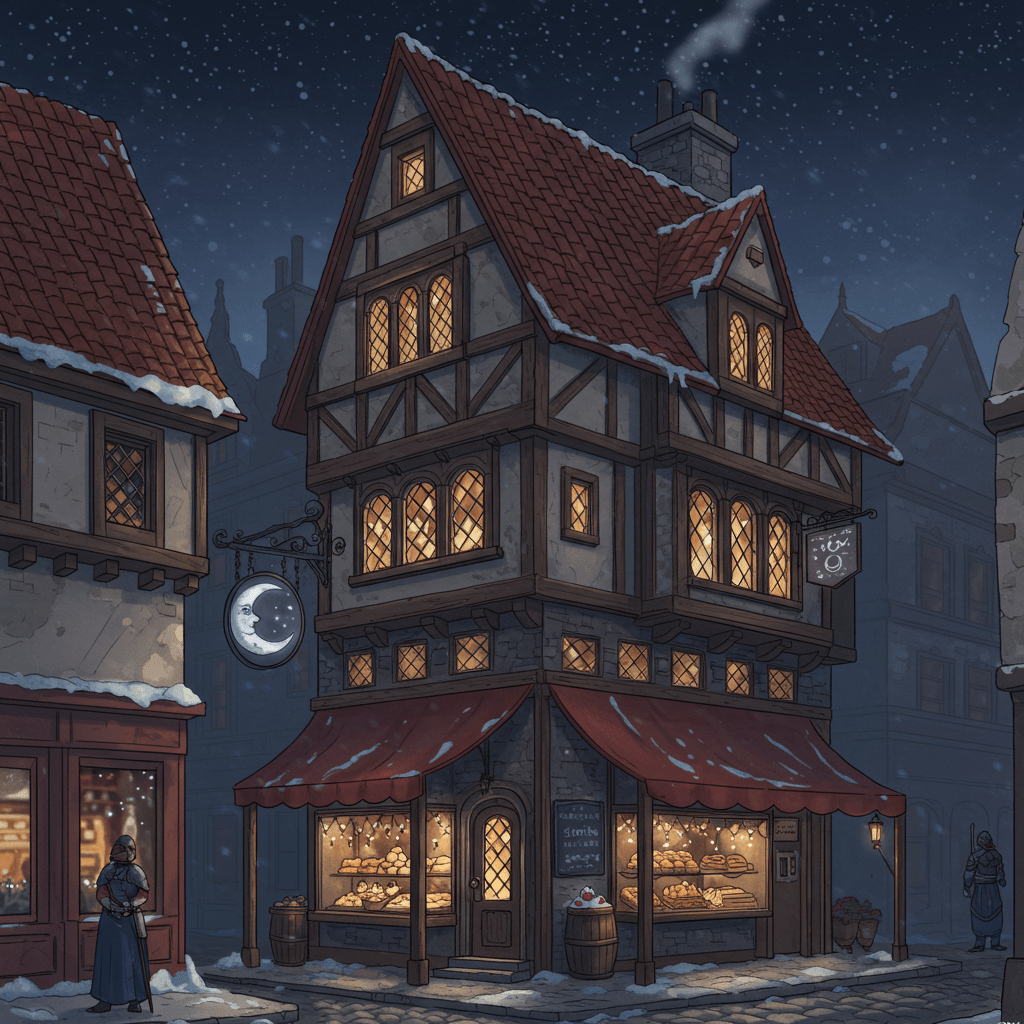
Imagen3 nailed the general look, but my maps made it clear that the bakery was in the middle of the block—not where the image had placed it. With Whisk, I simply copied and pasted the prompt it generated when I uploaded the image above and merged it into the prompt for a street scene I’d created earlier.
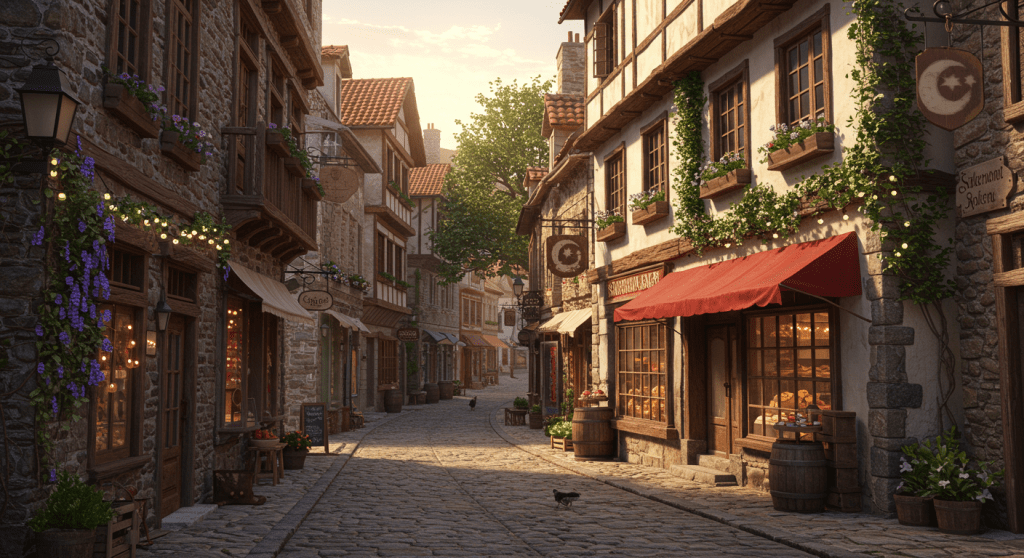
Boom—a new image with the bakery in the correct location.
Subtle Enhancements
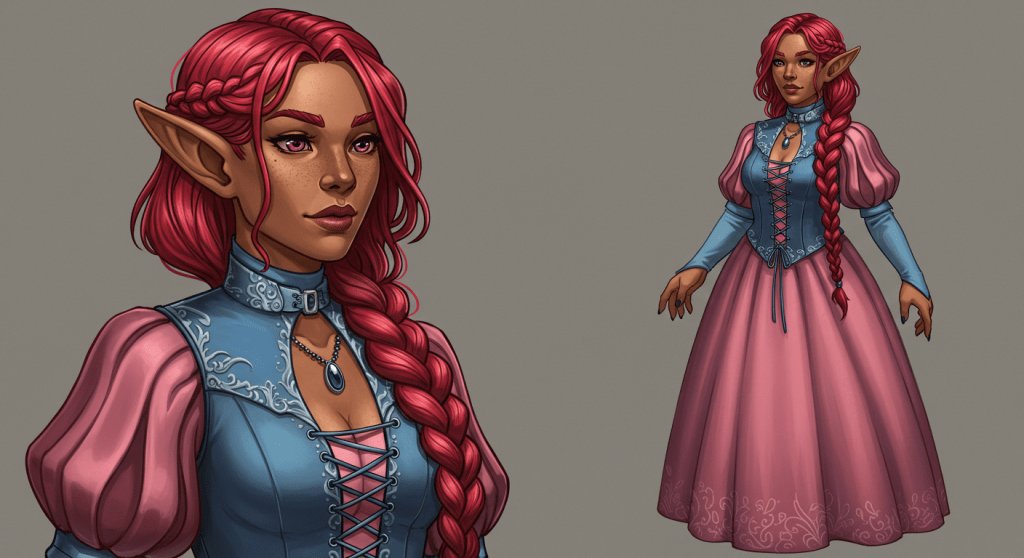
Whisk can also be used for subtler improvements. This image originally started out as the image of Cassidy Rose/Caitríona mac Uathach from the Dramatic Persona of SLiberberg. While experimenting with background characters, I generated a noblewoman in a dress that I thought would suit Cassidy in her Caitríona persona. A few prompt edits later, I had an image of her wearing the dress.
Tips for generating complex images
- When describing what is happening in a scene with multiple subjects, describe them as subject 1, subject 2, etc… Whisk can generally guess who is who from context clues in the image, but it is not to be relied on in complicated images.
- If Whisk gets close to what you have in mind but does not get it quite right, don’t fret. Whisks generate a prompt for each image it generates that can be edited like the source images. You do not want to know how often I create images of Fredrick with the resulting image to be without his hair.
- It is not explicitly mentioned, but the style input is important. The style sets the tone and influences the color pallet of the generated image, and this is just me, but it appears to influence the emotional state of the subjects and other elements of the composition. I have been using Magic the Gathering cards for the style input when I am using Whisk, in particular the anime treatment cards from the Wilds Of Eldraine set, and I have noticed that the different cards used as styles affect the tone and composition of the image generated.
Gallery
Here is a selection of the images I generated with Whisk

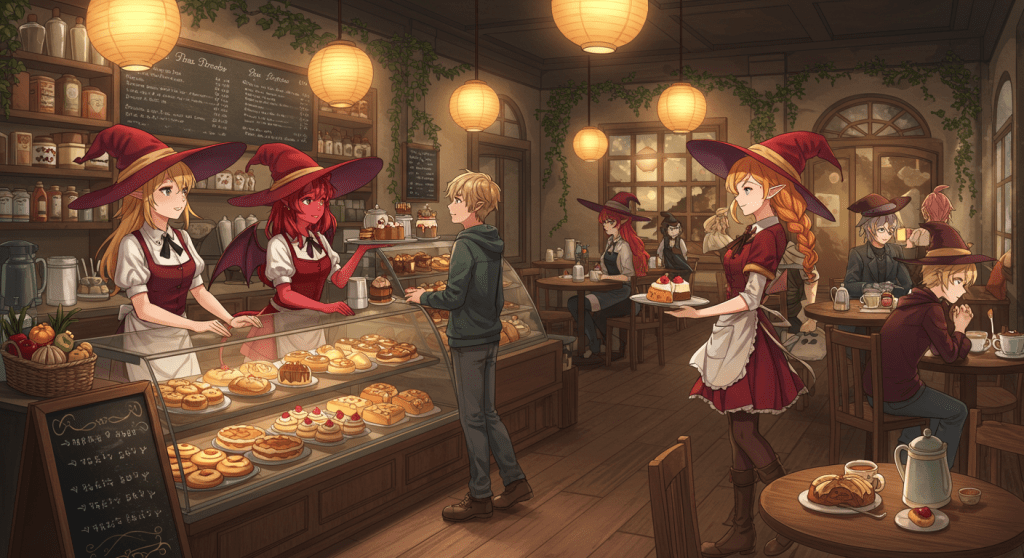
The Silver Moon Cafe on a busy day
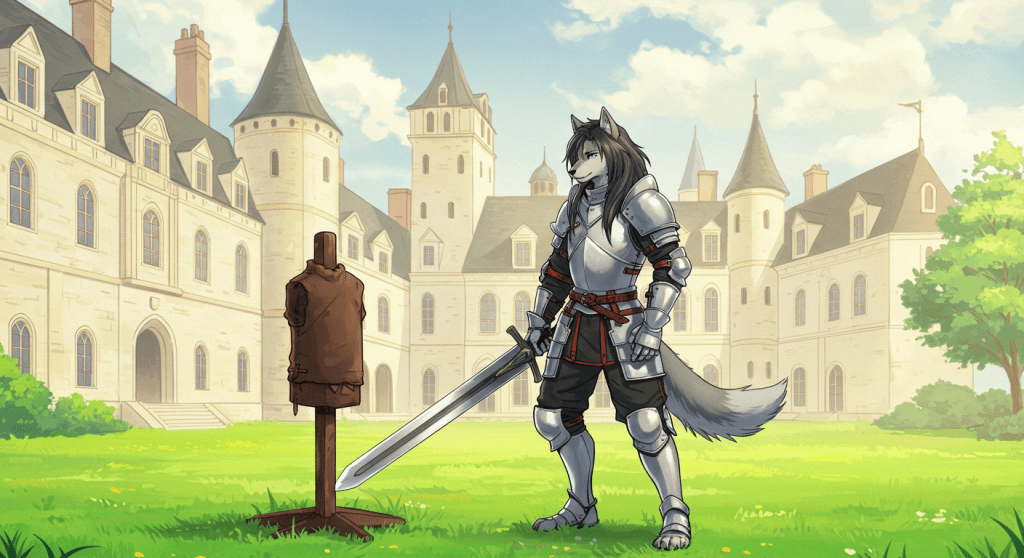
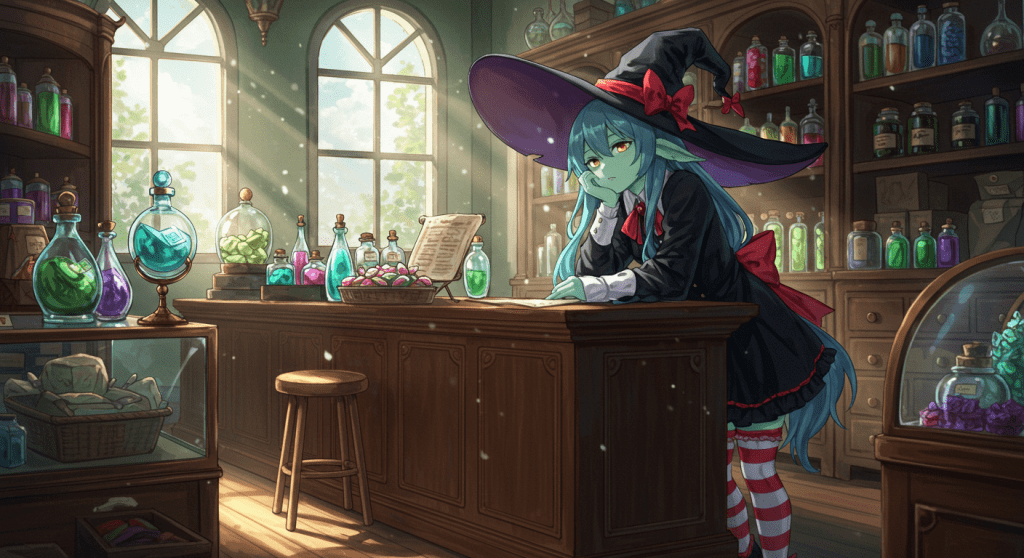
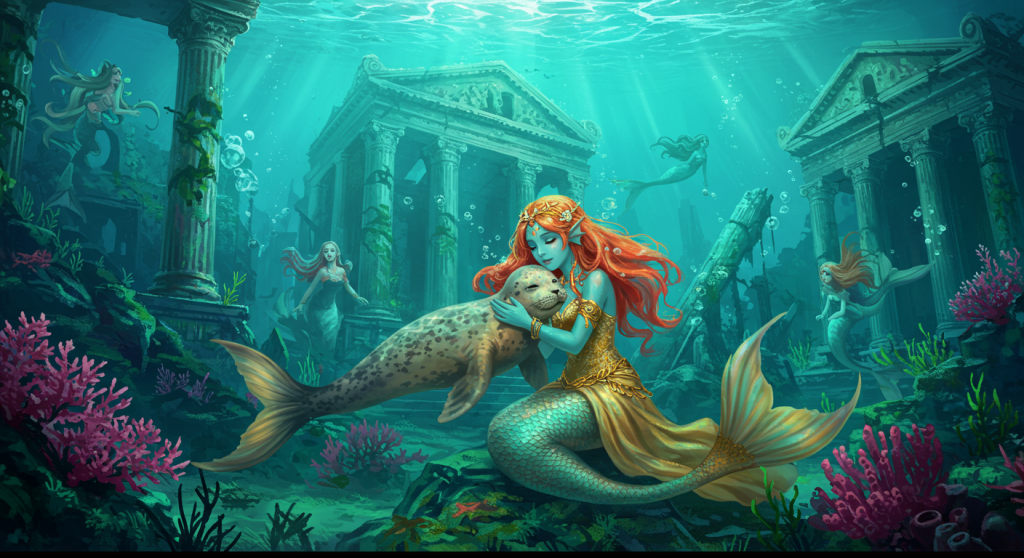
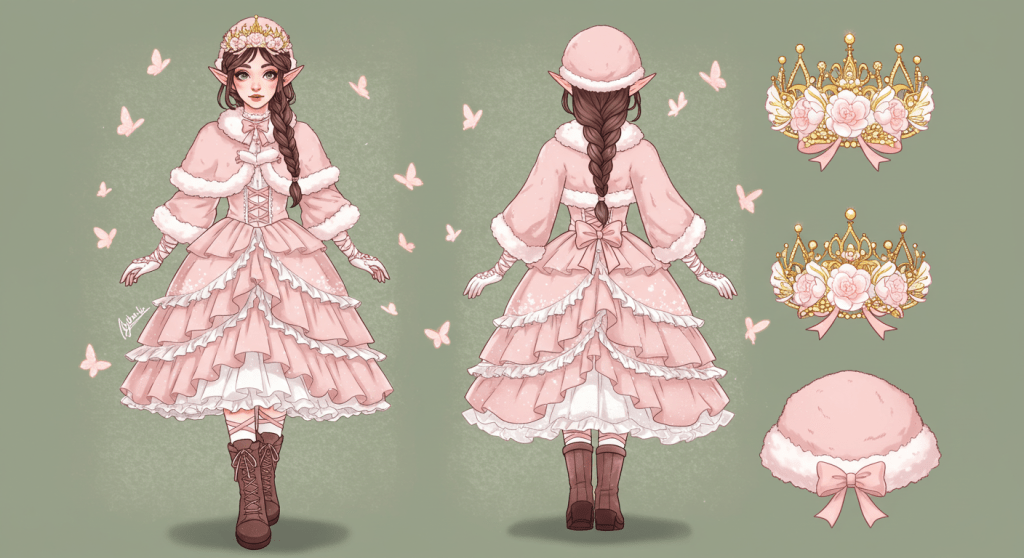
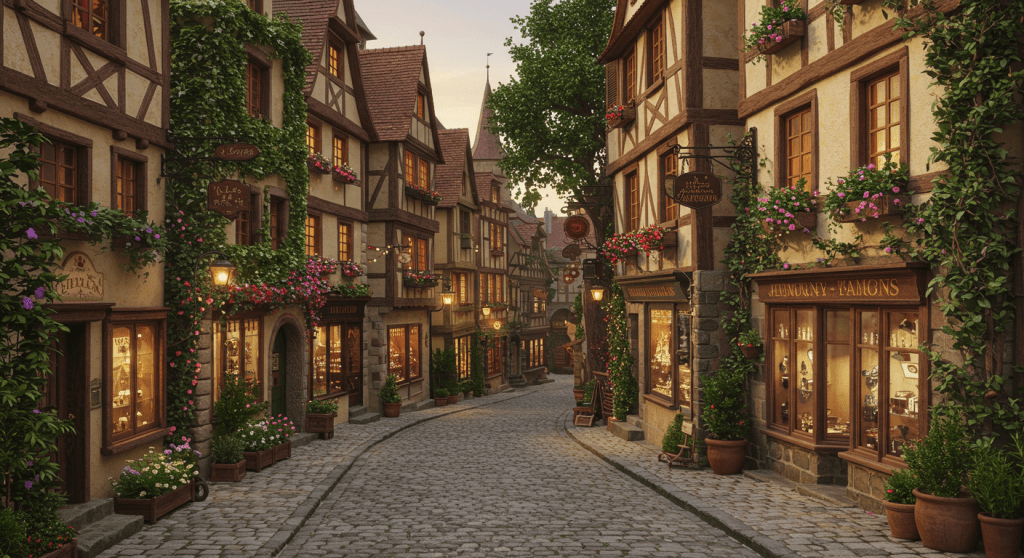
A street in the grand fey marketplace
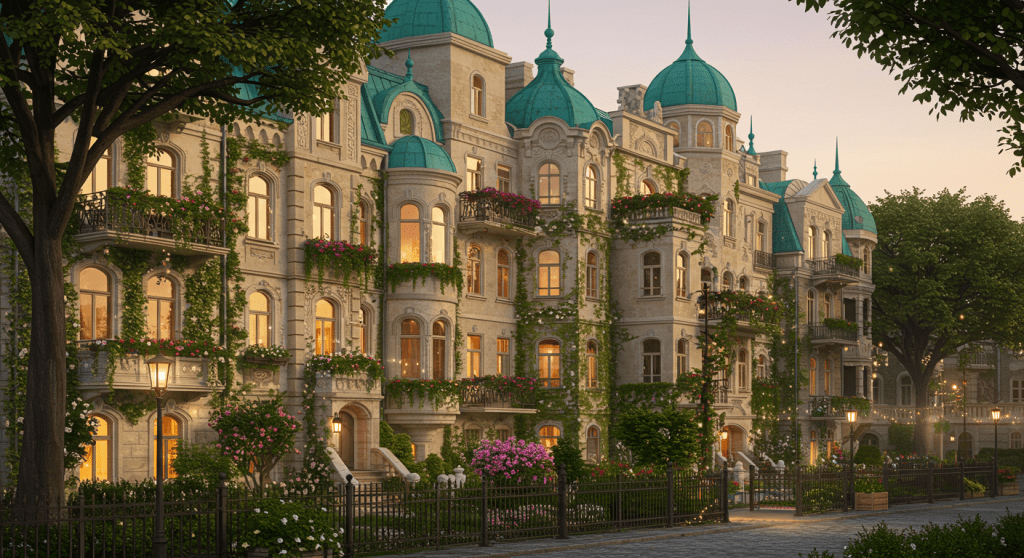
Herrenviertel row palaces
 The feengrenze historia
Leave a comment